Crypto Trading Simulator System Requirements & Display Tips
Know the Steam specs and set expectations for monitors and comfort options.
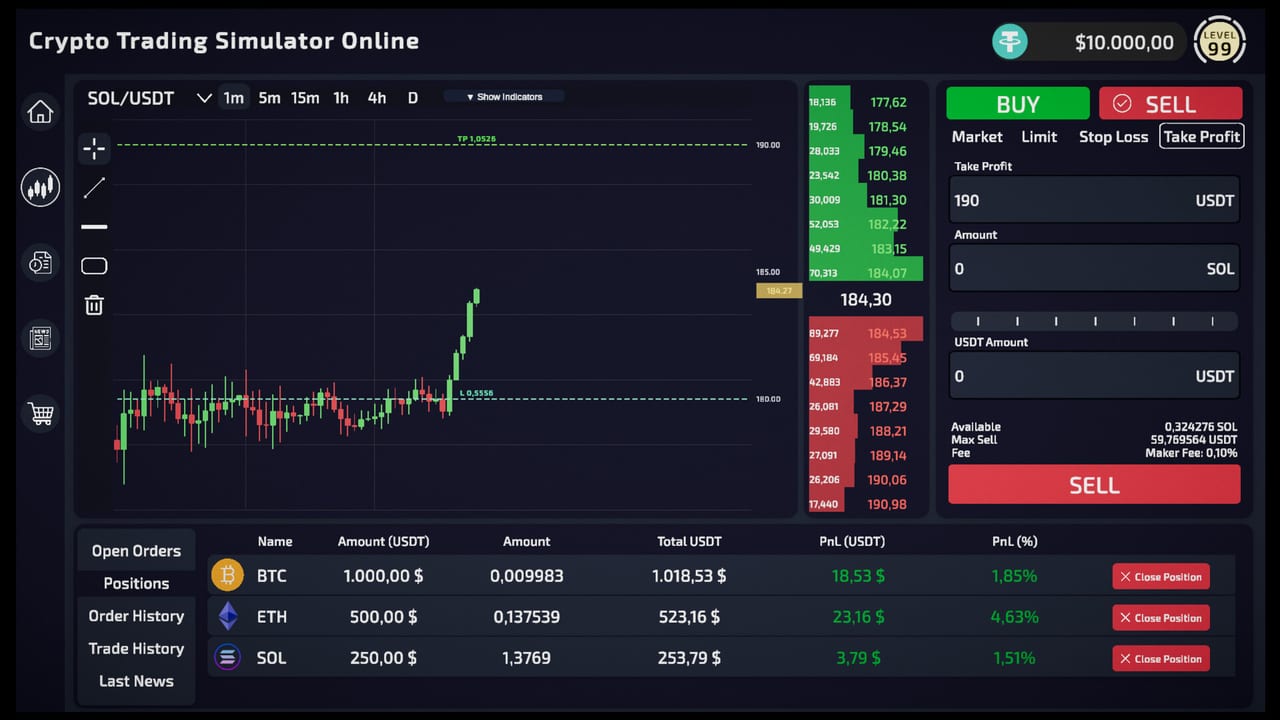
Official Steam baseline
Crypto Trading Simulator is a Windows PC Steam title. Published minimum and recommended specs (always re-check the store page before buying):
Minimum
- OS: Windows 10 64-bit
- CPU: Intel i5 / AMD Ryzen 5
- RAM: 4 GB
- GPU: GTX 1050 / RX 560 or better
- DirectX: 10
- Storage: about 1 GB
Recommended
- OS: Windows 11 64-bit
- CPU: Intel i7 / AMD Ryzen 7
- RAM: 8 GB
- GPU: GTX 1660 / RX 6600 or better
- DirectX: 11
- Storage: about 2 GB
If you are near minimum, close heavy browsers while trading—hitching during an event candle feels like a strategy problem when it is a hardware problem.
Why specs matter for this fantasy
You are reading charts, reacting to feed drama, and managing bills. Stutters cause misclicks. Before blaming How to Trade advice, verify performance. Lower decorative settings if needed while learning.
Ultrawide, second monitors, and QoL
Community discussions already mention ultrawide resolutions, second-monitor setups, and invert-mouse requests. Early Access means some preferences may still be landing. Practical approach:
- Play on a supported resolution that stays readable.
- Keep UI scale comfortable for decimals.
- Send precise feedback through Steam or Discord listed on the Links hub.
- Watch Patch Notes for control and display fixes.
More screens can help layout for How to Read Charts, but they are not required to follow Trading Strategies.
Storage, saves, and stability habits
- Keep free disk space beyond the tiny install size for Steam and OS health.
- Save consciously—especially if you encounter life-need quirks discussed by players.
- After crashes, verify integrity via Steam before rewriting your whole strategy stack.
Accessibility-minded settings
Custom volume controls and color alternatives are listed among Steam features. Explore them early so long sessions remain comfortable. Fatigue leads to revenge trades that Risk and Security warns about.
Pre-purchase checklist
- Confirm OS and GPU meet minimums
- Decide whether to try the demo first (Getting Started)
- Read the Early Access Review for design fit
- Bookmark the roadmap so feature expectations stay honest
After you install
Set your bill planner numbers, complete a micro trade, and only then optimize graphics. Performance vanity is C-tier; solvency is S-tier—same philosophy as Upgrade Priority.
Practical performance tips
- Cap background Chrome tabs while an event candle is live.
- Prefer fullscreen or borderless consistent with your ultrawide experiments.
- Keep Steam overlays from covering order tickets.
- After GPU driver updates, re-test one calm session before a bankroll push.
Buying advice tied to hardware
If you are on minimum RAM, lean harder on Survival Mode templates from How to Trade—fewer simultaneous UI toys, fewer mistakes. If you meet recommended specs, you can comfortably keep wiki tools open beside the game: the Position Risk Planner and Bill Budget Planner pair well with a second browser window even when a literal second monitor is still a wishlist item.
Laptop versus desktop desk fantasy
The game sells a multi-monitor command center, but many players will start on a laptop. That is fine. Prioritize thermal headroom and a readable UI scale over chasing ultrawide dreams on day one. Once you are solvent and stable, revisit display upgrades and community QoL threads through the Community Hub. Hardware should support How to Read Charts, not distract from How to Survive Bills.
Pre-flight before a long session
Update GPU drivers on a calm day, verify Steam files if you crash twice, and keep at least a few gigabytes free beyond the tiny install size. Then open the wiki tools you need and begin with the bill planner before the first candle. That order—machine health, cash health, market ambition—prevents the classic “my PC hitch ruined my account” spiral.
Frequently Asked Questions
Quick answers to the most common questions.
Does it run on Steam Deck?
Compatibility can change; check the Steam page for the latest Deck status before assuming perfect play.
Is 4 GB RAM enough?
It matches the published minimum, but 8 GB recommended will feel safer during multitasking.
Where do I report display bugs?
Use Steam discussions or Discord from the [community hub](/wiki/community-hub/).